Addons Included in the Collection:

QOL Selection Bookmarks
A small clean panel for remembering all your selections.
View on Superhive
QOL Spec Lighting Ops
Advance Specular light placement and control for Cycles.
View on Superhive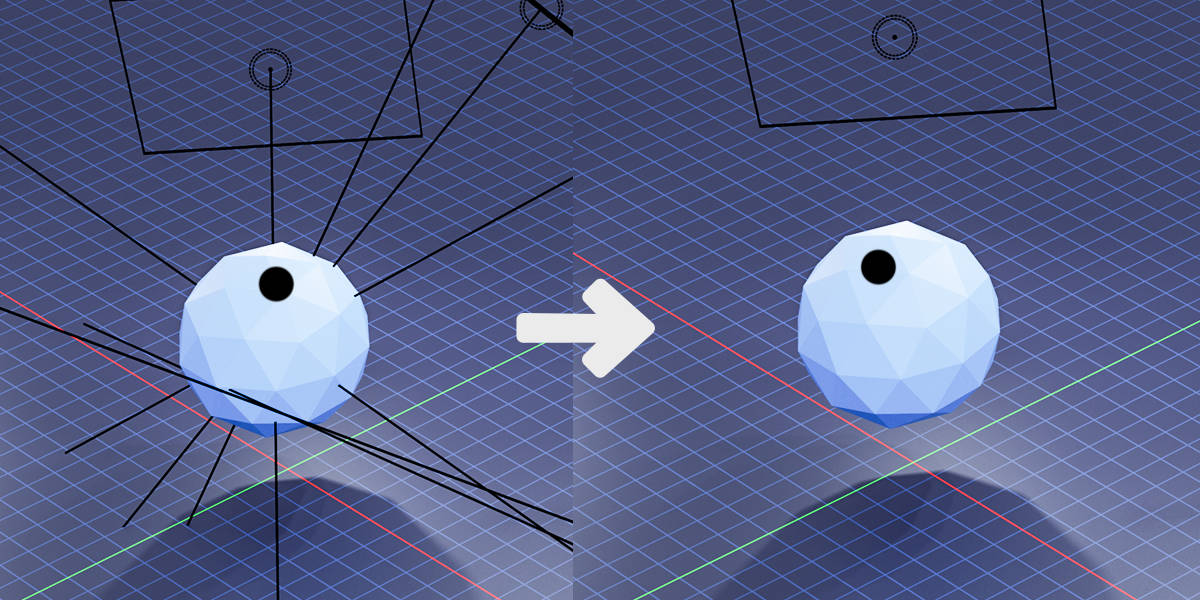


QOL Outliner Extras
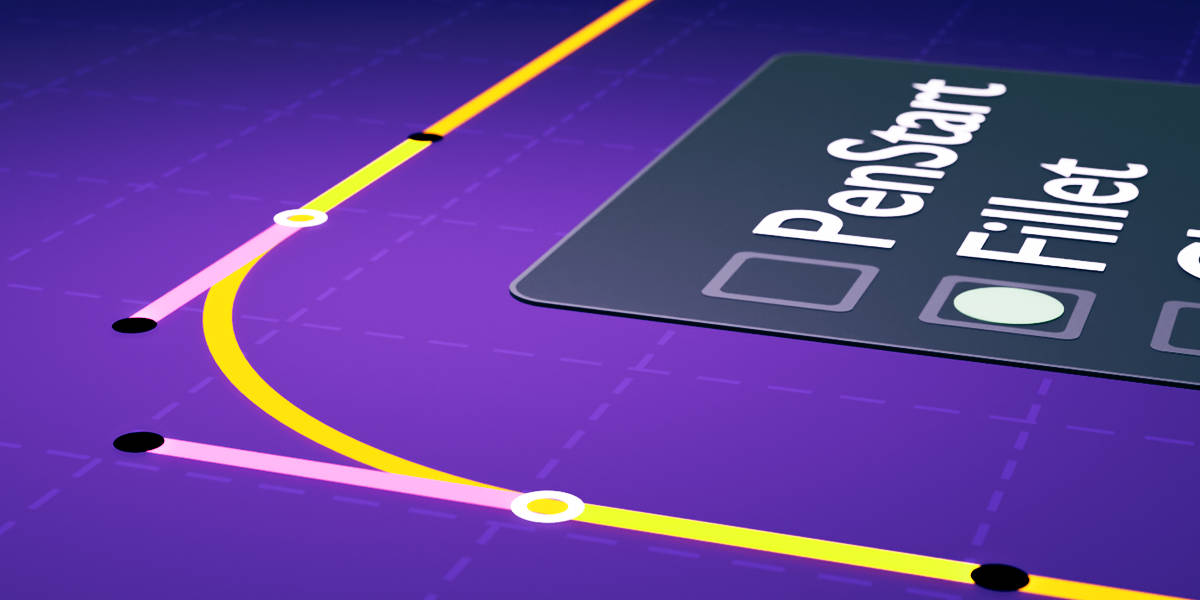
Enhance the Outliner with auto-reveal, auto-collapse, and more. Learn more →
QOL HUD-Distances
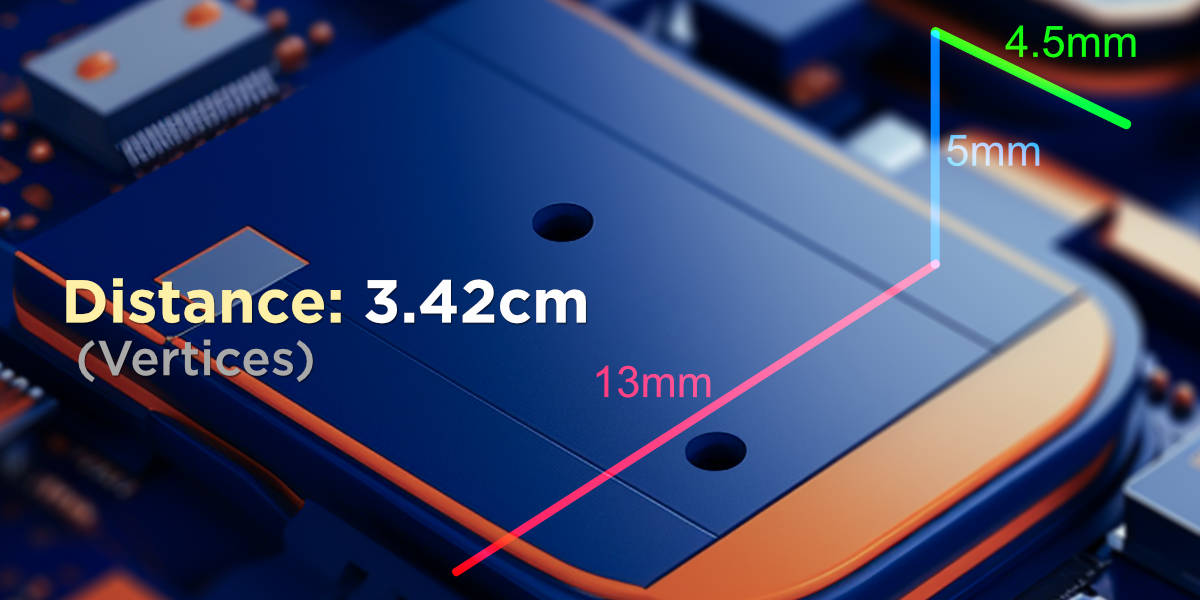
Live display of distances between any two selected things.
View on Superhive
QOL Bridge Object
Create bridge objects, even between non-connected objects.
View on Superhive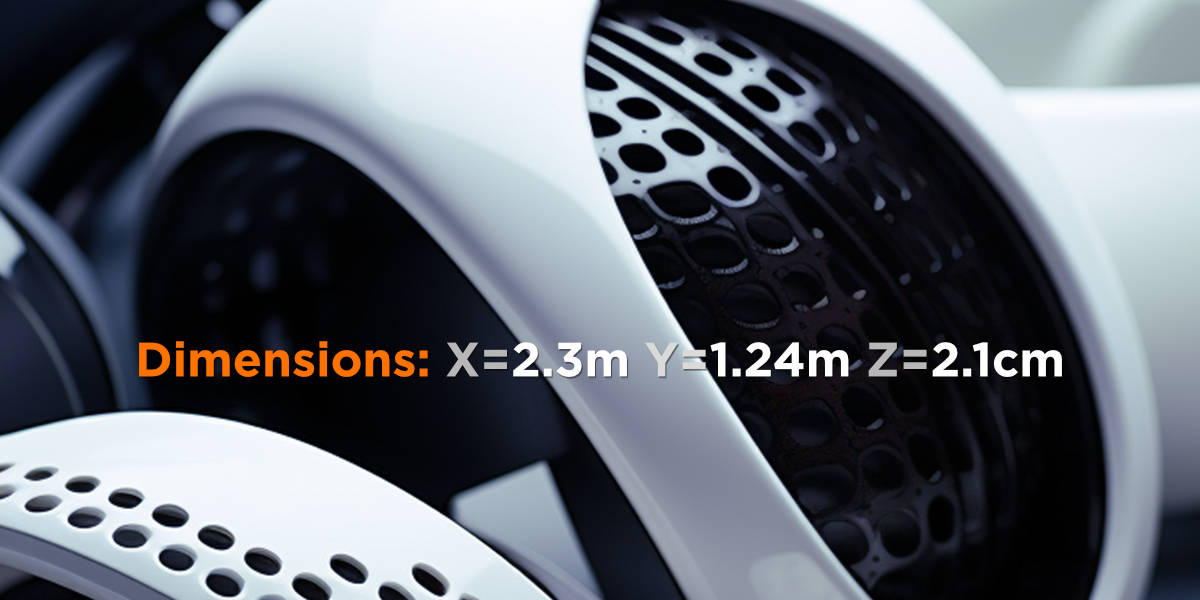
QOL HUD - Dimensions
An at-a-glance, highly customisable HUD showing the real size of selected objects.
View on Superhive
QOL Ripple Shift
Easily add pause and flow to all animation Keys/curves in the entire scene from the playhead.
View on Superhive
QOL Polypal
No more need to create a plane, go into edit mode, then extrude etc to create shapes! Simply draw or plot polygon shapes directly and immediately. A rapid way for generating silhouette, forms and 2D geo.
View on Superhive
QOL Materials Panel 3!
The latest incarnation to the popular material panel addon.
View on Superhive
QOL Snap Off Copy
A simple little time-saver allowing you to break off any mesh component selection to a new object.
View on Superhive
QOL Link Widget
A zero overhead at-a-glance indicator and toolset for managing instances while keeping you in the flow.
View on Superhive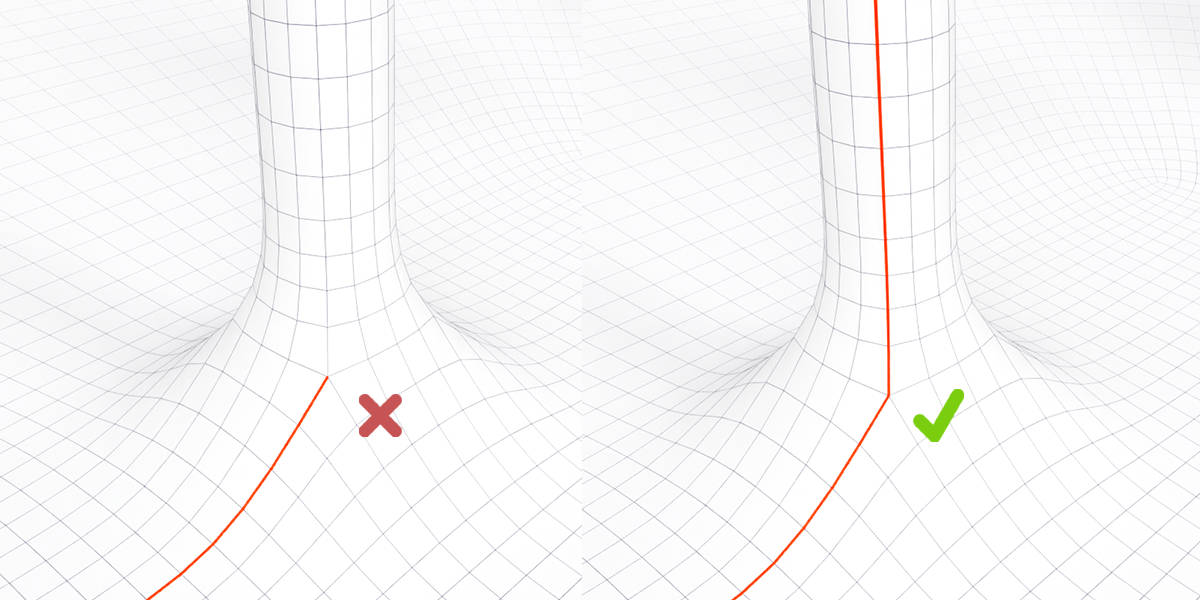
QOL Select Contiguous Edges
Smooth loop selection without getting stuck.
View on Superhive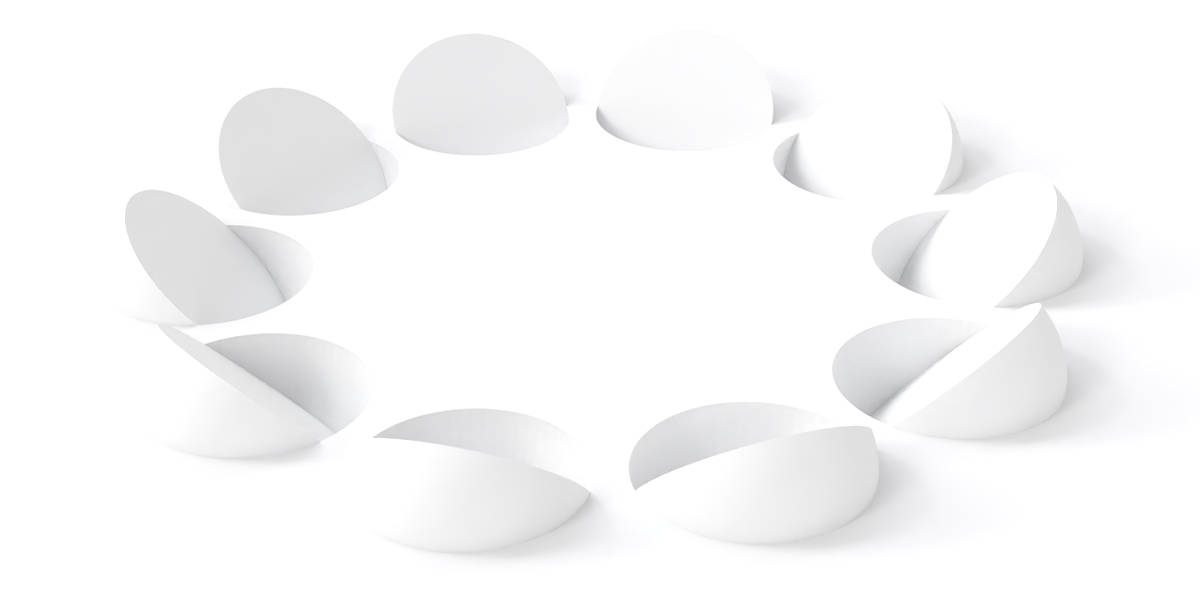
QOL RingArray
RingArray is an elegant intuitive solution for simply and rapidly creating circular arrays from any source object, light, camera etc.
View on Superhive
QOL GridCut
GridCut is designed to aid preparation for certain modifiers. When using many modifiers it's important to have prepared evenly divided geometry. Gridcut comes to the rescue where subdivision so often fails!
View on Superhive
QOL QuickBool
QuickBool is designed for rapid and easy boolean operations. It adds an option to your standard right click menu which instantly performs booleans, automating setup processes and adding additional options.
View on Superhive
QOL Select Same Size
A simple elegant addition to the select menu allowing you to grab all object of a similar size (or larger/smaller) to the selected active object.
View on Superhive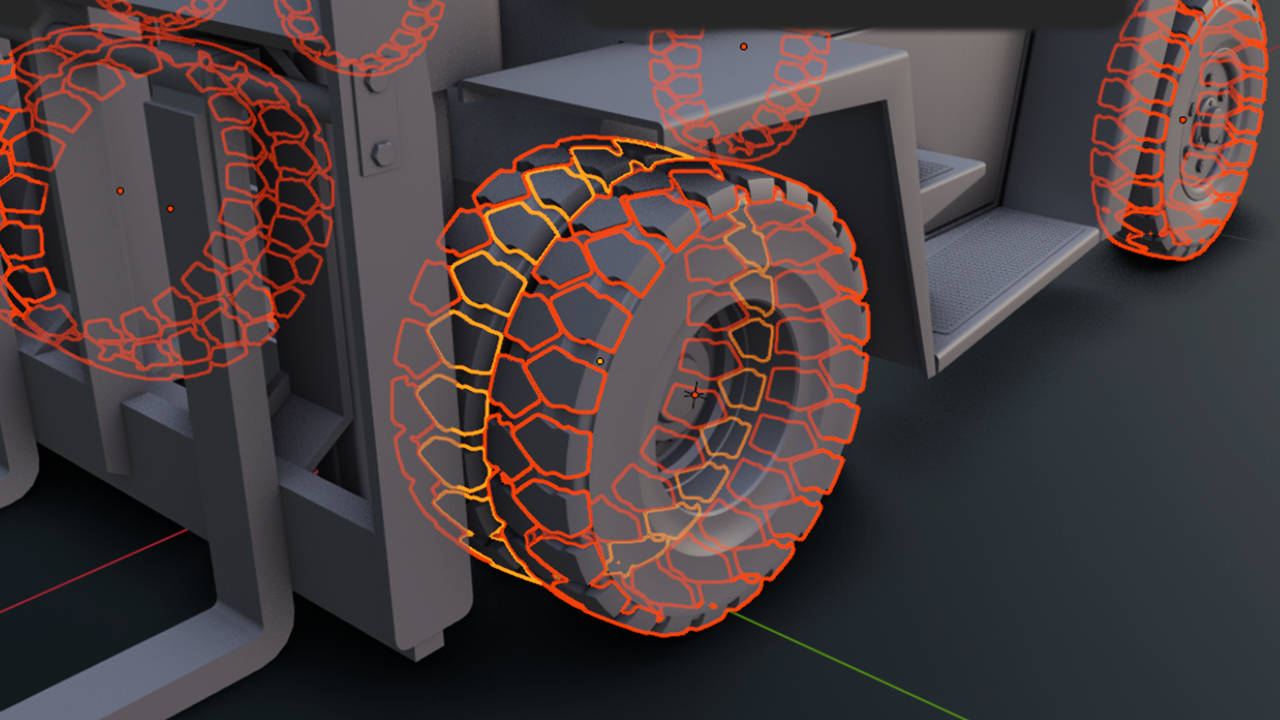
QOL Select Same Vertex Count
An addition to the selection menu that does exactly what you'd expect. It selects all objects with the same vertex count as your current active object.
View on Superhive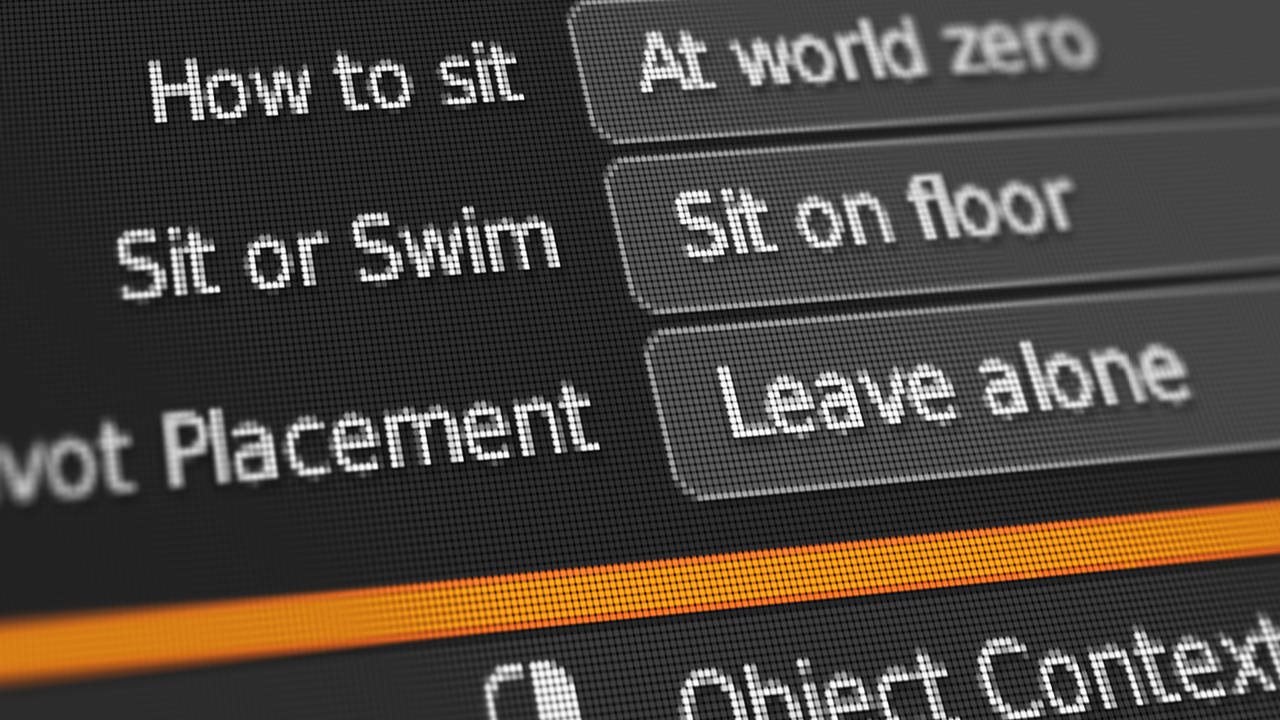
QOL Place On Ground
If you need this, you already know what it does! It's a quality of life thing. The addon arranges objects to ground either in place, or at world zero. Either sitting or swimming. Either as a group or individually. With pivot placement or just pivots just as they were.
View on Superhive
QOL Camera Bookmarks
An extremely user friendly camera bookmark system with hotkey and minimal UI access.
View on Superhive
QOL FrameFlipper
The FrameFlipper addon is an addition to the timeline bar that allows you to flip between any two keyframes you set without affecting the animation or needing keyframes.
View on Superhive